
Apollo Group TV Setup Guide & Tutorials
Select your streaming device below for detailed, illustrated step-by-step instructions. Our service works seamlessly across all platforms with instant M3U and Xtream Codes API support.
How to Install on Amazon FireStick 4K & Fire TV
Amazon FireStick is the most widely used streaming device for Apollo Group TV, offering native 60FPS hardware decoding and ultra-fast channel zapping.
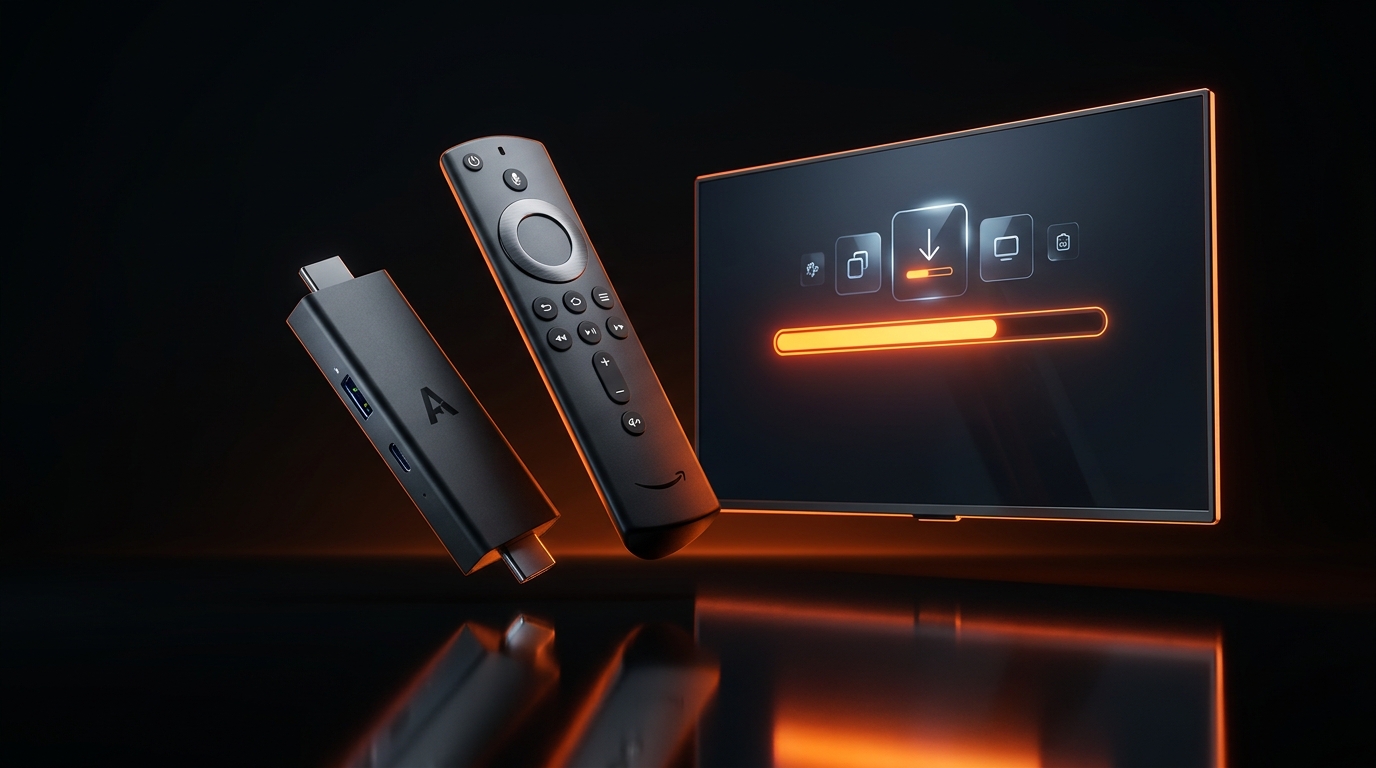
Install "Downloader" from Amazon Appstore
From your FireStick home screen, go to Find > Search, type Downloader, select the orange app with the arrow icon, and click Download / Get.
Enable Unknown Sources in Settings
Go to Settings > My Fire TV > Developer Options. Click Install unknown apps and set Downloader to ON.
Note: If Developer Options is hidden, go to About > click your Fire TV model name 7 times rapidly to unlock it.
Install Startup Show App
Open Downloader, allow storage permissions, and in the URL search box enter startupshow.com or download Startup Show directly from the Amazon Appstore.
Enter Your Apollo Group TV Credentials
Launch the app and enter your M3U Playlist link or Username and Password sent to your WhatsApp / Email. Your 40,000+ live channels and VODs will synchronize immediately!
How to Configure TiviMate for Apollo Group TV
TiviMate offers the ultimate cable-like TV Guide (EPG), multi-screen view, catch-up TV, and customizable channel groups. Fully optimized for Apollo servers.
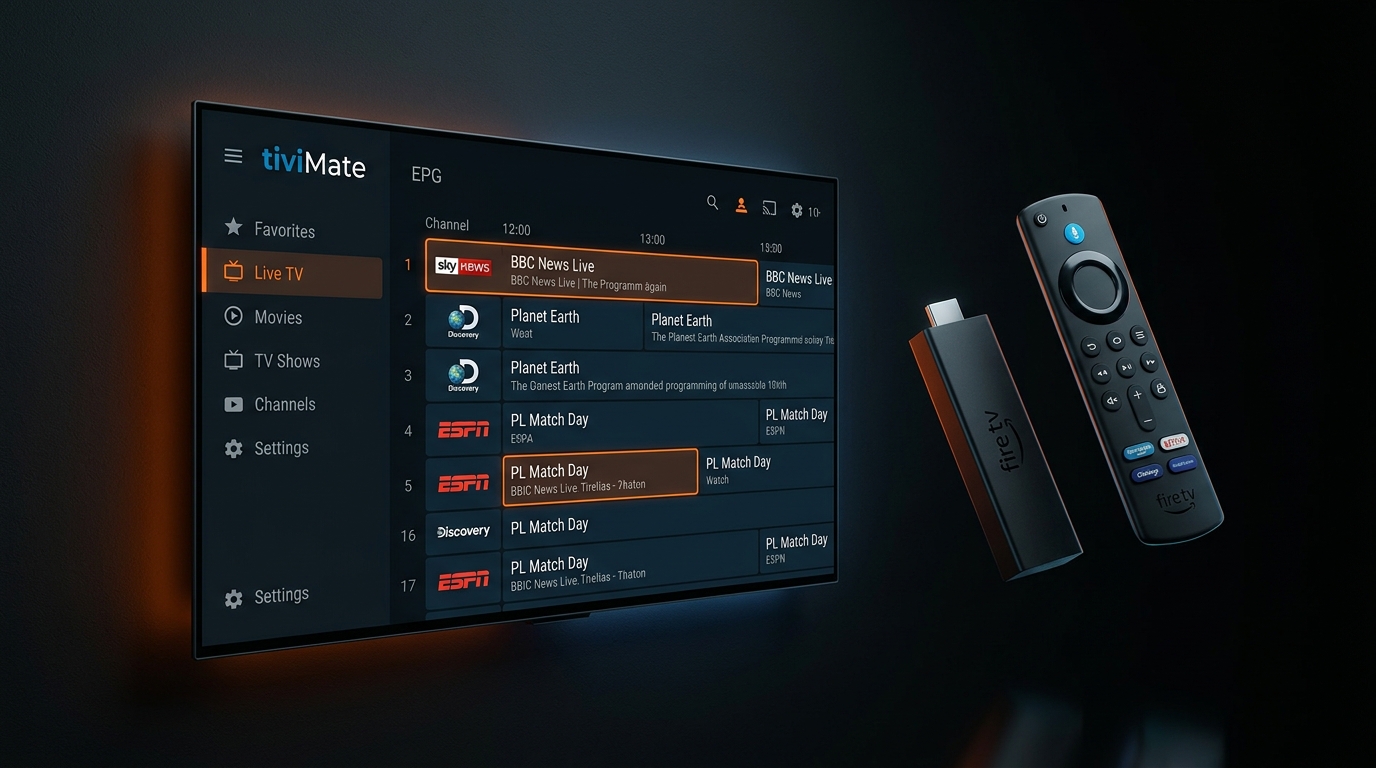
Open TiviMate & Click "Add Playlist"
Install TiviMate IPTV Player on your FireStick or Android TV box and select Add Playlist on the welcome screen.
Select "Xtream Codes" Login
Choose Xtream Codes as the playlist format. This guarantees fast channel loading and automatic EPG synchronization.
Fill In Your Account Details
Input the Server URL, Username, and Password received upon trial or order activation. Make sure "Include VOD" is checked!
Click Done & Enjoy Your TV Guide
TiviMate will download all categories, program schedules, and channel logos. You can now browse with channel preview and instant search.
How to Setup on Samsung & LG Smart TV
Stream directly on Samsung Tizen or LG webOS screens without buying any external streaming sticks. Use top-rated player apps like IBO Player or IPTV Smarters Pro.
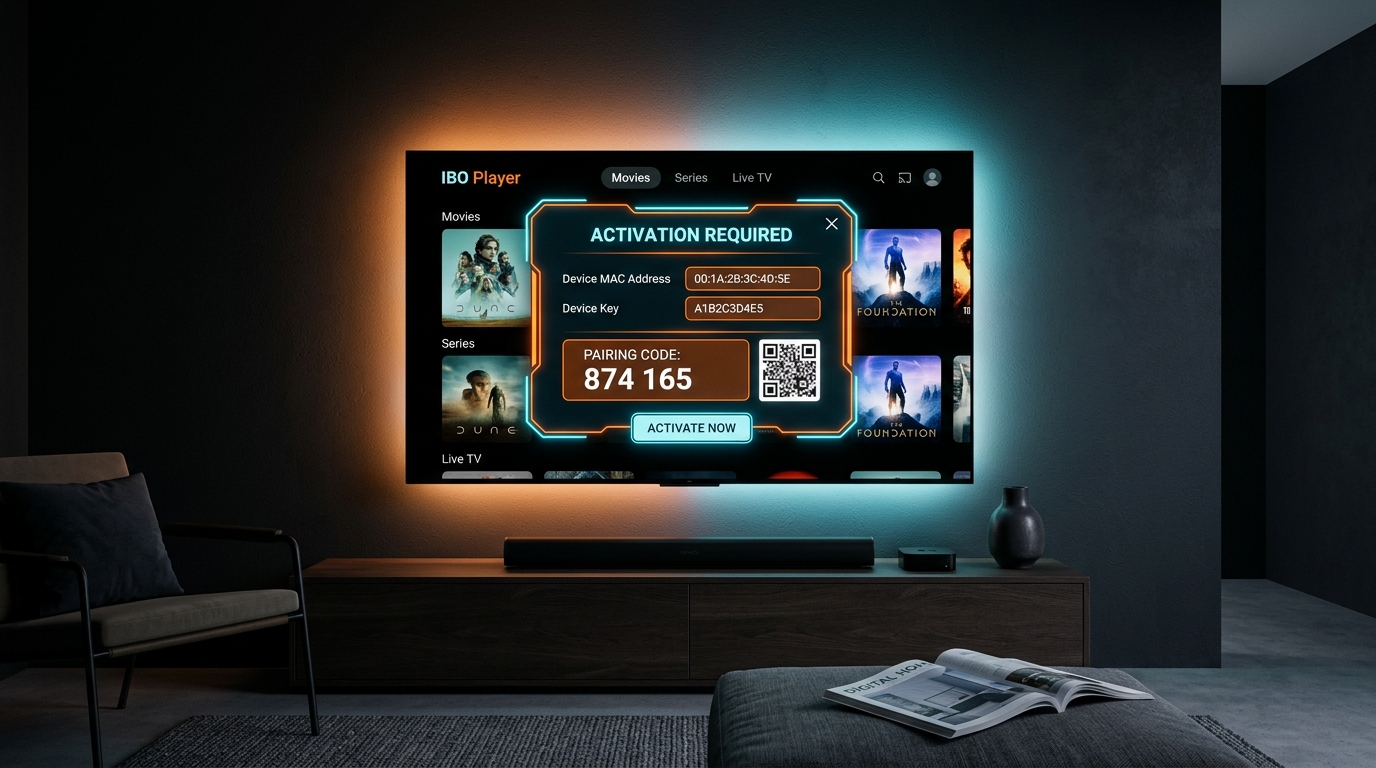
Search for "IBO Player" in App Store
On Samsung, open Smart Hub. On LG, open LG Content Store. Search for IBO Player (or SmartOne IPTV / IPTV Smarters) and install it.
Locate Your Device MAC & Key
Open the app on your TV. The screen will display your unique Device MAC Address and Device Key.
Upload Your Apollo M3U Playlist
Send your TV MAC address to our WhatsApp support, or visit the app's upload portal on your phone/PC to bind your Apollo Group TV subscription link.
Restart the App on Your TV
Exit and relaunch the app. Your TV will automatically download all channels, sports schedules, and movie libraries in 4K resolution.
Apple TV 4K, iPhone & iPad
Download the official Startup Show app directly from the Apple App Store, or use IPTVX or GSE Smart IPTV.
- Search "Startup Show" in iOS App Store
- Open app & enter your M3U / Account details
- Syncs seamlessly with AirPlay and Apple TV
Windows PC & macOS
Enjoy full HD streaming right from your browser, or install dedicated players like IPTV Smarters Pro for Windows/Mac or VLC Player.
- Download IPTV Smarters Pro PC edition
- Or open VLC: Media > Open Network Stream
- Paste your M3U link to stream instantly
How to Get 100% Buffer-Free Streaming
Follow these 4 simple steps if your internet provider throttles your connection.
Clear App Cache
Go to FireStick Settings > Applications > Manage Installed Applications > Click your player > Clear Cache.
Switch to Hardware Decoder
In TiviMate / player settings, change Video Decoder from Software to Hardware (HW) to leverage your GPU.
Use Fast DNS
Change your router or TV DNS from your ISP to Cloudflare 1.1.1.1 or Google 8.8.8.8.
Use 5GHz WiFi / Cable
Connect your device to your 5GHz WiFi band instead of 2.4GHz, or use an Ethernet adapter for zero packet loss.
Our Setup Engineers are Live 24/7 on WhatsApp
Having trouble downloading the app, binding your playlist, or need a test account? Message our support desk and we'll guide you step-by-step in real time.